
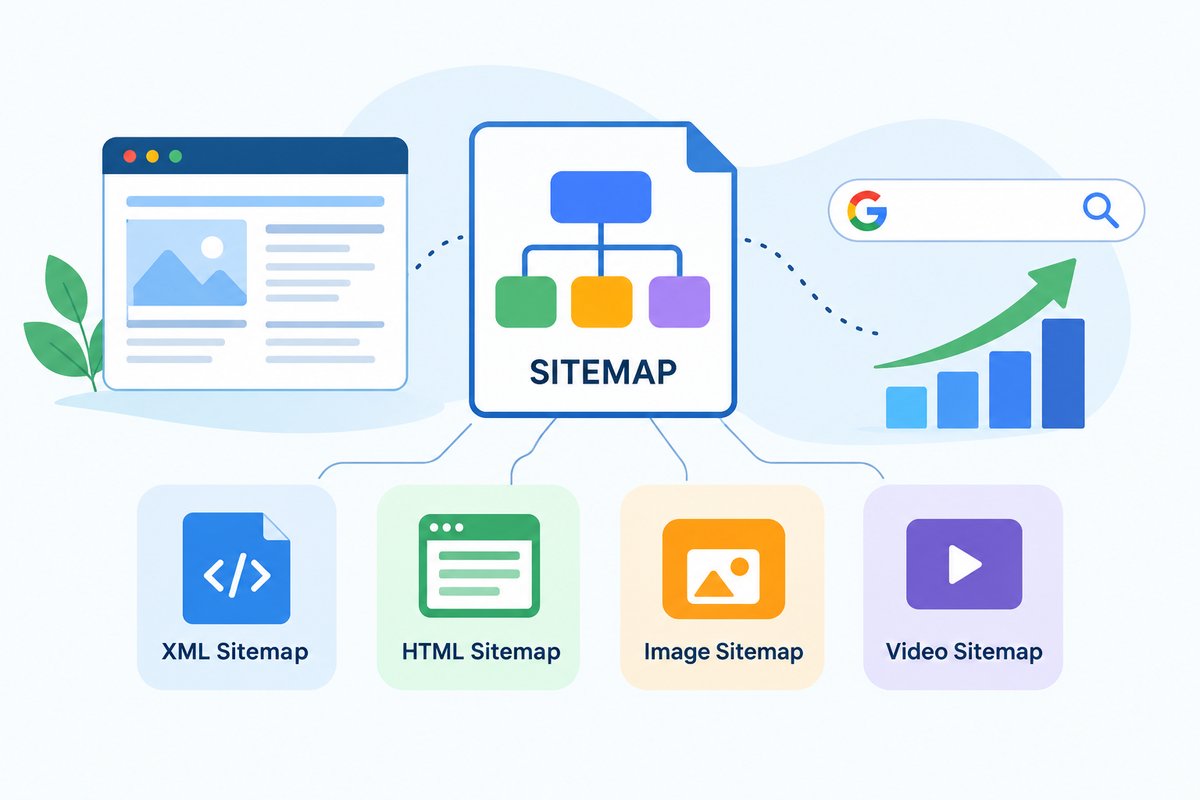

Different Types of Sitemaps and How They Help in SEO
When you build a website, search engines like Google need to discover and understand your pages. This is where a sitemap can help.
A sitemap is a file that provides information about the important pages, videos, images, or other content on your website. It helps search engines discover URLs that they may not find easily while crawling your website.
If you are new to SEO, you may have heard about XML sitemaps, HTML sitemaps, image sitemaps, and video sitemaps. These are different types of sitemaps, and each one has a different purpose.
In this guide, we will explain the types of sitemaps in SEO, how they work, and when you should use them.
What Is a Sitemap?
A sitemap is a file or page that lists important URLs from a website.
Think of it like a map of your website. Instead of making Google search through every page to understand your website structure, a sitemap gives search engines a list of URLs that you want them to discover.
For example, an e-commerce website may have thousands of product pages. A sitemap can help search engines discover those product URLs.
A sitemap does not guarantee that Google will index every URL included in it. However, it can make URL discovery easier, especially for large or complex websites.
Why Are Sitemaps Important for SEO?
Sitemaps are mainly useful for helping search engines discover website URLs.
They can be particularly helpful when you have:
- A large website with many pages
- A new website with few backlinks
- Many pages that are not well connected through internal links
- An e-commerce website with many products
- A website with videos or images
- Frequently updated content
- Pages that you want search engines to discover more easily
For a small website with good internal linking, a sitemap may not make a huge difference. But it is still a useful part of a basic SEO setup.
What Are the Different Types of Sitemaps?
There are several different types of sitemaps. The most common ones are:
- XML Sitemap
- HTML Sitemap
- Image Sitemap
- Video Sitemap
- News Sitemap
- Mobile Sitemap
Some of these are used mainly for search engines, while others can also help website visitors.
Let’s understand each type in simple terms.
1. XML Sitemap
An XML sitemap is one of the most common types of sitemaps used in SEO.
XML stands for Extensible Markup Language. An XML sitemap is created mainly for search engines rather than human visitors.
It contains URLs from your website that you want search engines to discover.
A simple XML sitemap may contain URLs such as:
- Homepage
- Service pages
- Blog posts
- Product pages
- Category pages
For example, a website may have an XML sitemap located at:
example.com/sitemap.xml
You can submit this sitemap through Google Search Console.
Why is an XML sitemap important?
It helps search engines discover URLs, especially on websites where some pages may be difficult to find through normal crawling.
An XML sitemap is generally considered the main sitemap type for SEO.
Most modern websites should have an XML sitemap, particularly if they have a large number of pages.
2. HTML Sitemap
An HTML sitemap is different from an XML sitemap because it is designed mainly for website visitors.
It is usually an HTML page containing links to important pages on the website.
For example:
Website Sitemap
- Home
- About Us
- Services
- SEO Services
- PPC Services
- Blog
- Contact Us
Visitors can use this page to find different sections of a website.
An HTML sitemap can also provide additional internal links, which may help search engines understand the structure and relationship between pages.
However, an HTML sitemap should not be seen as a replacement for an XML sitemap. They have different purposes.
XML sitemap = mainly for search engines
HTML sitemap = mainly for users
3. Image Sitemap
An image sitemap is used to provide search engines with information about images on a website.
Images are an important part of many websites, especially:
- E-commerce websites
- Photography websites
- Travel websites
- Real estate websites
- News websites
- Recipe websites
For example, an online store may have hundreds of product images. An image sitemap can help search engines discover image URLs.
However, you don’t always need a separate image sitemap. Image information can also be included in an XML sitemap.
If images are important to your business and image search traffic matters to you, making sure your important images are properly discoverable is useful.
4. Video Sitemap
A video sitemap provides search engines with information about videos available on your website.
Video content can sometimes be harder for search engines to understand and discover than normal text content.
A video sitemap can provide information such as:
- Video title
- Video description
- Video URL
- Thumbnail URL
- Video duration
- Publication information
For example, imagine you run a cooking website and publish recipe videos. A video sitemap can help search engines understand the videos available on your pages.
Video sitemaps are more useful for websites where video is an important part of the content.
5. News Sitemap
A news sitemap is designed for websites that publish news content.
News websites can publish a large number of articles every day. A news sitemap can provide search engines with information about recently published news articles.
It can contain details such as:
- Article URL
- Publication name
- Publication date
- Article title
- Language
A news sitemap is generally relevant to publishers that meet the requirements for news-related search features.
If you run a normal business website or a small company blog, you usually do not need a separate news sitemap.
6. Mobile Sitemap
A mobile sitemap is another sitemap type that you may come across when learning about SEO.
Mobile sitemaps were created for websites that had separate mobile versions of their websites.
For example, an old website might have used:
www.example.com
for desktop users and:
m.example.com
for mobile users.
However, websites today commonly use responsive design, where the same website adapts to different screen sizes.
Because of this, separate mobile sitemaps are not normally needed for modern responsive websites.
Sitemap Index
A sitemap index is not exactly another content type like an image or video sitemap. Instead, it is a file that can contain links to multiple sitemap files.
This becomes useful for large websites.
For example, an e-commerce website may have:
- Products sitemap
- Categories sitemap
- Blog sitemap
- Images sitemap
Instead of submitting every sitemap separately, these can be organized through a sitemap index.
For example:
example.com/sitemap_index.xml
The sitemap index can point to multiple sitemap files.
This makes sitemap management easier for large websites.
What Type of Sitemap Should You Use?
The answer depends on your website.
For most websites, an XML sitemap should be the starting point.
You may also use other sitemap types depending on your content.
| Website Type | Useful Sitemap |
|---|---|
| Business website | XML sitemap |
| Blog | XML sitemap |
| E-commerce website | XML sitemap + image sitemap |
| Video website | XML sitemap + video sitemap |
| News website | XML sitemap + news sitemap |
| Photography website | XML sitemap + image sitemap |
| Large website | Sitemap index + multiple XML sitemaps |
You don’t need to create every type of sitemap just because it exists.
The goal is to use the sitemap types that actually match your website and content.
How to Check Your Sitemap
If you want to check whether your website has a sitemap, try adding one of these common paths after your domain:
/sitemap.xml
or
/sitemap_index.xml
For example:
example.com/sitemap.xml
Many WordPress SEO plugins automatically create and update XML sitemaps.
You can also check your website’s robots.txt file. It may contain a sitemap URL such as:
Sitemap: https://example.com/sitemap.xml
How to Submit a Sitemap to Google
After creating your sitemap, you can submit it through Google Search Console.
The basic process is:
- Open Google Search Console.
- Select your website property.
- Go to Sitemaps.
- Enter your sitemap URL.
- Click Submit.
- Check the status after Google processes it.
Submitting a sitemap does not mean Google will automatically index every URL in it.
Google still decides which pages to crawl and index based on factors such as content quality, accessibility, internal linking, duplication, and other signals.
Common Sitemap Mistakes to Avoid
Creating a sitemap is simple, but there are a few mistakes you should avoid.
1. Adding broken URLs
Do not add URLs that return errors such as 404 pages.
2. Adding redirected URLs
Your sitemap should generally contain the final, preferred URLs instead of URLs that redirect somewhere else.
3. Adding blocked pages
Avoid including pages that you intentionally do not want search engines to access or index.
4. Adding duplicate URLs
Try to keep your sitemap clean and include the preferred version of each URL.
5. Forgetting to update the sitemap
If your website changes regularly, your sitemap should also stay updated.
Many CMS platforms and SEO plugins handle this automatically.
Final Thoughts on Types of Sitemaps
Understanding the different types of sitemaps can help you keep your website organized and make it easier for search engines to discover your important content. For most websites, an XML sitemap is the basic starting point, while image, video, news, HTML, and sitemap indexes can be useful depending on the website and its content.
If you are not sure which sitemap your website needs, how to create one, or whether your existing sitemap is properly optimized, SEO Outsourcing Company USA can help. We provide professional SEO services, including technical SEO, website audits, on-page SEO, local SEO, and other solutions designed to improve your website’s search visibility.
Whether you have a small business website, e-commerce store, or a growing online business, our team can help you build a practical SEO strategy based on your website’s needs.
Looking for professional SEO support? Contact SEO Outsourcing Company USA and get started with your SEO campaign today.
