
Today, people search online before they trust a person, business, brand, or service. A single negative review, article, social media post, or harmful link can sometimes create a bad impression before someone even contacts you.
This can be especially difficult when the negative content appears on Google or other search engines. It may affect your business, personal name, professional image, customers, and even relationships with people close to you.
If you are facing this situation, you should not ignore it. This is where Online Reputation Management (ORM) can help.
What Is Online Reputation Management?
Online Reputation Management, commonly called ORM, is the process of monitoring, improving, and protecting how a person or business appears online.
When someone searches for your name or business, they may find your website, reviews, social media profiles, news articles, directory listings, and other websites.
ORM focuses on improving this overall online presence.
The goal is not simply to hide negative content. A proper ORM strategy looks at what is causing the problem, responds where appropriate, creates useful positive content, and helps build a stronger online presence.
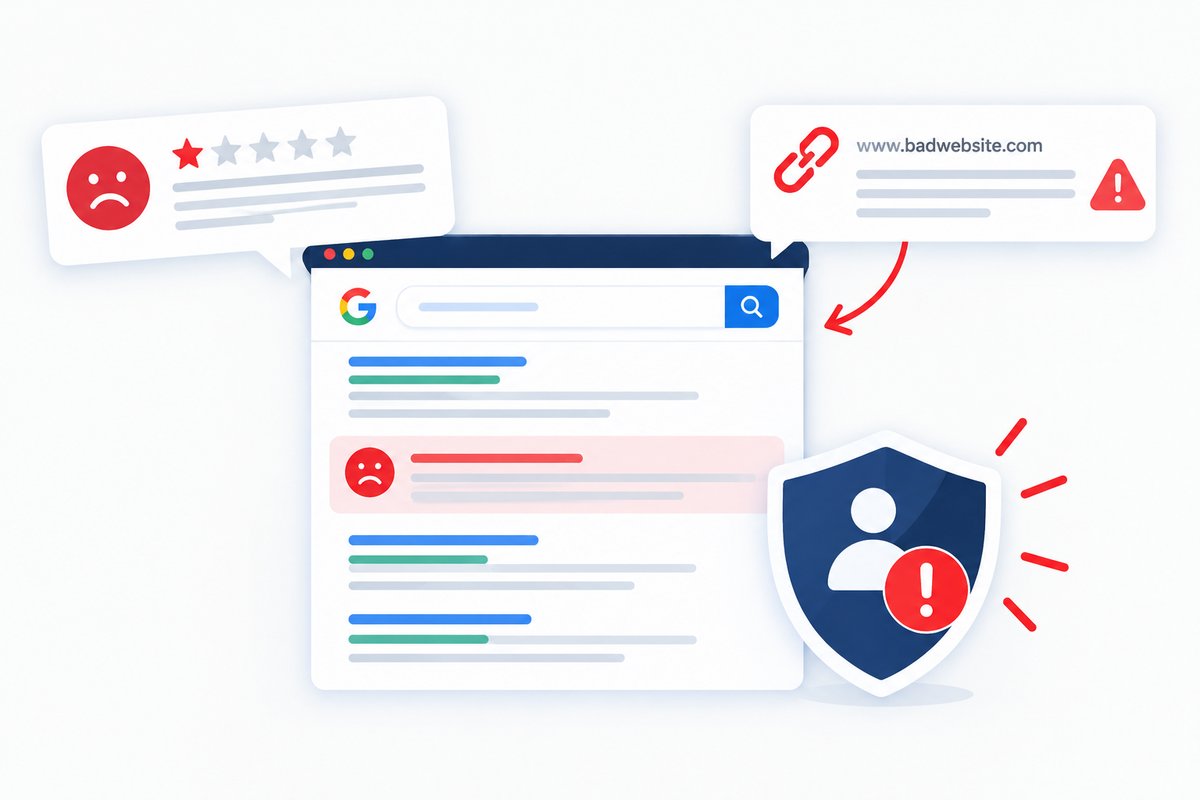
What If You Have a Negative Review?
Negative reviews can happen to almost every business. Sometimes they are genuine customer complaints. In other cases, they may be outdated, misleading, unfair, or even posted by someone who has never used the service.
The first step is to understand the review before taking action.
If the review is genuine, a professional response can show that you care about customers and are willing to solve problems. A calm and helpful response can also give future customers a better understanding of the situation.
If a review violates the platform’s rules, such as containing spam, fake information, or inappropriate content, you may be able to report it for review.
However, removing every negative review is not always possible. That is why ORM also focuses on building a stronger positive presence around your name or business.
What If There Is a Negative Link About You?
A negative link can be more serious when it appears prominently in search results for your name or business.
For example, someone searching for your company may find a negative article, complaint page, forum post, or other website before finding your official website.
This can make potential customers hesitate.
A negative search result does not necessarily disappear just because you want it removed. Depending on the situation, there may be different ways to address it.
You can first check whether the website owner has a legitimate correction or removal process. If the content violates a platform’s policies or contains certain types of unlawful or personal information, other reporting or legal options may sometimes exist.
When removal is not possible, an ORM strategy can focus on improving the visibility of accurate and useful positive content.
How Can ORM Help Your Business?
ORM helps create a stronger and more trustworthy online presence.
A business may already have good services, happy customers, and years of experience, but if search results are dominated by negative content, new customers may not see the complete picture.
An ORM strategy can help by improving important online assets such as your website, business profiles, social media accounts, customer reviews, articles, profiles, and other relevant pages.
The idea is simple: make useful and trustworthy information easier for people to find when they search for your name or business.
Which Digital Marketing Services Are Needed for ORM?
Online reputation management often works best when several digital marketing services are used together.
SEO Services
SEO can help improve the visibility of your website and other relevant pages in search results.
For reputation management, the focus may include optimizing important pages for your name, business name, brand terms, and relevant searches.
Creating useful content and improving the technical and on-page quality of your website can also support a stronger search presence.
Content Marketing
Content can play an important role in ORM.
Helpful blog posts, company information, service pages, articles, profiles, and other useful content can provide search engines and users with more accurate information about you or your business.
The content should be genuine, useful, and written for people rather than created only to manipulate search rankings.
Review Management
Reviews are an important part of online reputation.
Businesses can encourage genuine customers to share their experiences while responding professionally to existing feedback.
Positive reviews should never be created through fake accounts or misleading practices. Genuine customer experiences provide much stronger long-term value.
Social Media Management
Social media profiles can also contribute to your online reputation.
Active and professional profiles on relevant platforms can help customers find accurate information about your business.
Regular posts, useful information, customer communication, and consistent branding can help create a stronger online presence.
Local SEO
For businesses that serve a specific area, Local SEO can be especially useful.
Optimizing your Google Business Profile and other relevant business listings can help customers find your business information, reviews, services, opening hours, website, and contact details.
A complete and accurate local presence can make it easier for customers to understand your business.
How AEO Can Support Online Reputation
Search is changing. People are no longer using search engines only to find ten blue links. They are also asking questions through AI-powered search and answer engines.
This is where Answer Engine Optimization (AEO) becomes useful.
AEO focuses on creating clear, useful, and well-structured information that can help answer questions people ask online.
For example, potential customers may ask:
“Is this company trustworthy?”
“What services does this company provide?”
“What do customers say about this business?”
“Who is this company?”
Having clear and accurate information across your website and other trusted online platforms can help create a better digital presence.
How GEO Can Support Your Reputation
Generative Engine Optimization (GEO) focuses on improving how your brand or business may be represented in AI-generated search experiences.
When people use AI tools to research a company, they may look for information about its services, reputation, experience, expertise, and online presence.
GEO can therefore be part of a modern reputation strategy.
The foundation remains the same: publish useful information, maintain accurate business details, build credible online profiles, and provide real value to customers.
Can Negative Content Affect Your Family or Personal Name?
Yes, online information can sometimes affect more than a business.
People may search for a person’s name before hiring them, working with them, doing business with them, or forming a professional relationship.
If incorrect or harmful information appears prominently, it can create an unfair first impression.
This is why personal reputation management can be important for professionals, business owners, executives, public-facing individuals, and others whose names are closely connected to their work.
The strategy should always focus on legitimate methods such as accurate information, useful content, professional profiles, genuine reviews, and appropriate requests for correction or removal.
Why Should You Act Quickly?
The longer a negative result remains visible, the more opportunities people have to see it.
This does not mean you should react emotionally or try every possible method to remove something immediately.
Start by understanding the problem.
Search your name or business name. Check the first few pages of search results. Look at reviews, social profiles, articles, directories, forums, and other websites.
Identify which results are negative, which are inaccurate, and which are simply outdated.
Then create a clear ORM plan.
Online Reputation Management Is More Than Removing Negative Results
One common misunderstanding is that ORM means deleting every negative result.
That is not always possible.
A better approach is to build a stronger online presence with accurate, helpful, and trustworthy information.
This can include improving your website, publishing useful content, managing reviews, maintaining social profiles, strengthening local SEO, improving search visibility, and using modern SEO, AEO, and GEO strategies.
Over time, these efforts can help people find a more complete picture of your business or professional identity.
When Should You Hire an ORM Service?
If negative reviews or links are affecting your customers, leads, business opportunities, or personal reputation, professional help can be useful.
An experienced ORM team can review your current search results, identify reputation problems, analyze negative content, and create a strategy based on your situation.
The right approach depends on the type of negative content, where it appears, whether it is accurate, and how strongly it is ranking.
There is no single ORM strategy that works for everyone.
Conclusion
Your online reputation can influence how people see your name, business, services, and brand. A negative review or harmful link can create problems, but ignoring it usually does not solve the issue.
Online Reputation Management can help you understand what is appearing online and build a stronger digital presence through SEO, content marketing, review management, social media, Local SEO, AEO, and GEO.
At SEO Outsourcing Company USA, we provide Online Reputation Management services designed to help businesses and professionals improve and protect their online presence. Our team can help with reputation monitoring, negative review management, positive content creation, SEO, AEO, GEO, and other digital marketing strategies.
If negative reviews or links are affecting your name or business, contact SEO Outsourcing Company USA and take the right steps toward building a stronger online reputation.